
Blog
How to Use Poshan Tracker: Quick Guide
How to Use Poshan Tracker App: Step-by-Step Guide for Accurate Nutrition Monitoring
Learn how to use Poshan Tracker step by step. This quick guide covers login, beneficiary entry, growth monitoring, reports, calculator usage, and best practices for Anganwadi workers.
Table of Contents
- What Is Poshan Tracker and Why It Matters
- Who Should Use Poshan Tracker
- Getting Started: Login and Setup
- Adding and Managing Beneficiaries
- Recording Growth Monitoring Data
- Capturing Service Delivery
- Using the Poshan Tracker Calculator
- Reviewing Dashboards and Reports
- Common Challenges and How to Avoid Them
- Best Practices for Effective Use of Poshan Tracker
- Frequently Asked Questions (FAQs)
- Conclusion
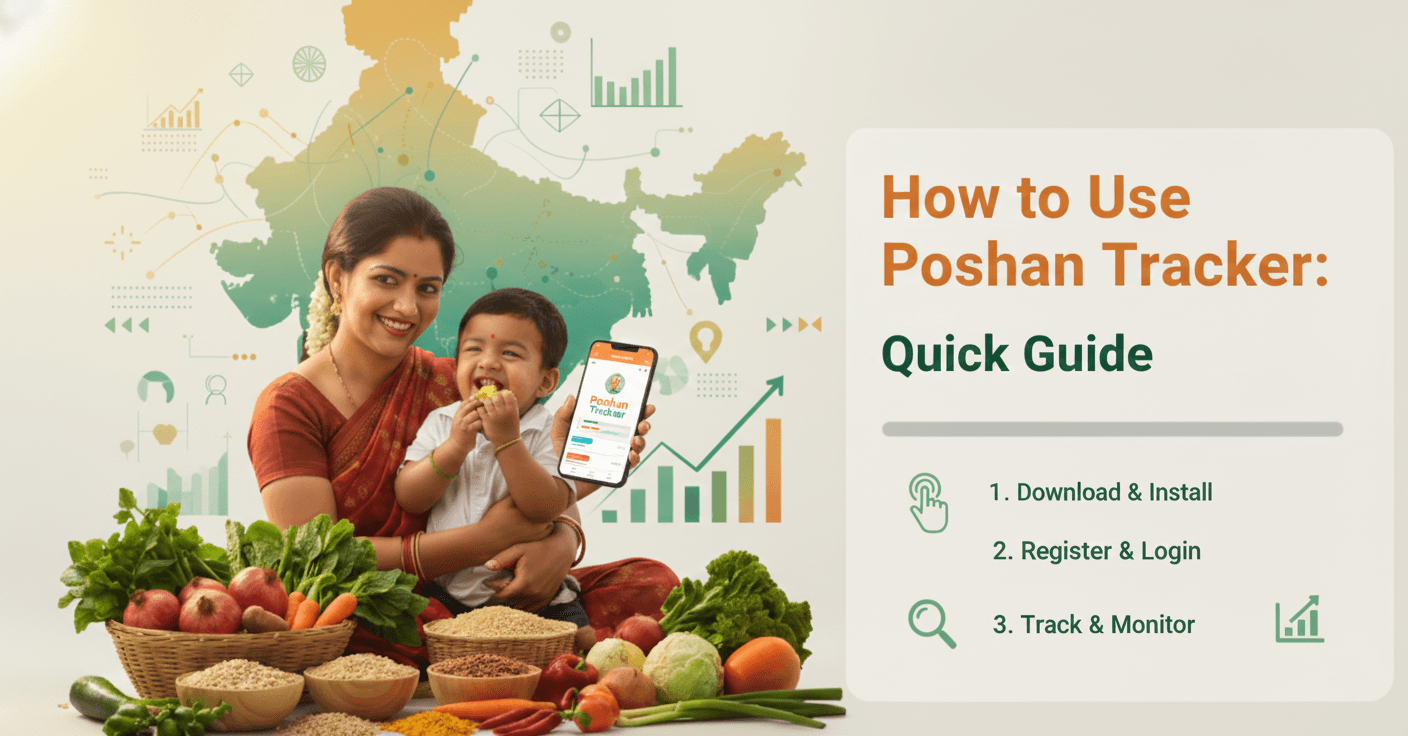
The Poshan Tracker is a digital tool introduced under Poshan Abhiyaan to enable real-time monitoring of nutrition outcomes for children, pregnant women, and lactating mothers. Designed primarily for Anganwadi workers and supervisors, it replaces manual registers with mobile-based data capture, improves transparency, and supports evidence-based decision-making. This quick guide explains how to use Poshan Tracker efficiently, with a focus on accuracy, ease of use, and on-ground practicality.
What Is Poshan Tracker and Why It Matters
Poshan Tracker is a mobile and web-based application used to track service delivery and nutritional indicators under ICDS. It supports growth monitoring, beneficiary management, service tracking, and reporting at Anganwadi, block, district, and state levels. The platform is overseen by the Ministry of Women and Child Development and plays a critical role in strengthening outcome-based nutrition governance under Poshan Abhiyaan.
Who Should Use Poshan Tracker
The tool is primarily used by Anganwadi Workers for daily data entry, Supervisors for verification and monitoring, CDPOs and district officials for analysis and planning, and state and national teams for policy review and performance tracking.
Getting Started: Login and Setup
To begin using Poshan Tracker, install the official Poshan Tracker mobile application on a government-approved smartphone or access the web version. Log in using your registered mobile number or credentials provided by the department. Complete profile verification carefully, as all beneficiary data and reports are mapped to the Anganwadi centre profile.
Adding and Managing Beneficiaries
After login, select the option to add a new beneficiary. Enter details such as name, age, gender, Aadhaar or alternative ID, household information, and beneficiary category. Accuracy at this stage is critical, as beneficiary data directly impacts eligibility, growth charts, and reporting. Existing beneficiary records should be updated regularly to reflect migration, status change, or exit.
Recording Growth Monitoring Data
Growth monitoring is a core function of Poshan Tracker. For children, record height, weight, and age using standard measurement protocols. The application automatically plots growth curves and identifies underweight, stunting, or wasting. For pregnant women, weight monitoring helps assess nutritional risk. Accurate measurement before data entry is essential to avoid incorrect classification.
Capturing Service Delivery
Poshan Tracker enables recording of services such as supplementary nutrition distribution, home visits, counselling sessions, immunisation support, and health referrals. Digital capture of service delivery strengthens accountability and improves convergence with health and nutrition programmes.
Using the Poshan Tracker Calculator
The Poshan Tracker Calculator, available at https://www.poshantracker.in/PTCalculator, is used to validate anthropometric calculations including BMI-for-age and weight-for-height. It supports data verification, supervision, and quality audits, particularly at block and district levels.
Reviewing Dashboards and Reports
Dashboards provide visual summaries of key indicators such as beneficiary coverage, growth trends, service delivery status, and high-risk cases. Supervisors and officials use these reports to identify gaps, prioritise interventions, and support low-performing Anganwadi centres. Regular review improves programme responsiveness.
Common Challenges and How to Avoid Them
Common challenges include poor internet connectivity, incorrect measurements, delayed data entry, and duplicate beneficiary records. These issues can be reduced through offline data entry with timely syncing, refresher training on measurement techniques, daily updates, and routine supervision and verification.
Best Practices for Effective Use of Poshan Tracker
For effective use, ensure timely data entry, maintain accuracy in measurements, review beneficiary details periodically, use dashboards for planning follow-up visits, and coordinate with ASHAs and ANMs for convergence. The application should be used as a decision-support tool rather than only a reporting requirement.
FAQs
FAQs on: How to Use Poshan Tracker?
Is Poshan Tracker mandatory for Anganwadi workers?
Yes, it is the official digital platform for ICDS data reporting under Poshan Abhiyaan.
Can Poshan Tracker work without internet connectivity?
Yes, data can be entered offline and synced once internet access is available.
What happens if incorrect data is entered?
Incorrect data affects nutrition classification and should be corrected promptly with supervisor support.
Is Aadhaar compulsory for beneficiary registration?
Aadhaar is preferred, but alternative identification is allowed as per guidelines.
Who reviews Poshan Tracker data?
Data is reviewed at supervisor, block, district, state, and national levels.
How often should growth monitoring be updated?
Children should be monitored monthly, while pregnant women should be monitored as per ANC schedules.
Can supervisors edit Anganwadi data?
Supervisors can review and flag data; edits follow defined access permissions.
How does Poshan Tracker improve nutrition outcomes?
It enables early risk identification, real-time monitoring, and targeted interventions.
Conclusion
Poshan Tracker is a critical enabler of data-driven nutrition governance under Poshan Abhiyaan. When used correctly, it strengthens service delivery, improves accountability, and supports timely decision-making. For frontline workers and administrators, effective use of Poshan Tracker is essential to improving nutrition outcomes across India.